 ClipStage • For macOS 14+ (Cmd+Shift+V Popup · Apple Vision OCR · Clean Paste · Secret Shield) • Free Forever (Ad-Supported)
Meet ClipStage.
Instant Cmd+Shift+V Clipboard Studio, Vision OCR & AI/Terminal Clean Paste.
ClipStage is a native 25 MB SwiftUI clipboard history and staging manager built for developers, writers, and studio engineers. Summon a non-activating popup with Cmd+Shift+V (or Cmd+Shift+C), automatically run Apple Vision OCR and Jev image triage on every screenshot, unwrap hard-wrapped 72-column terminal text, scrub watermarks, and queue multi-step pastes.
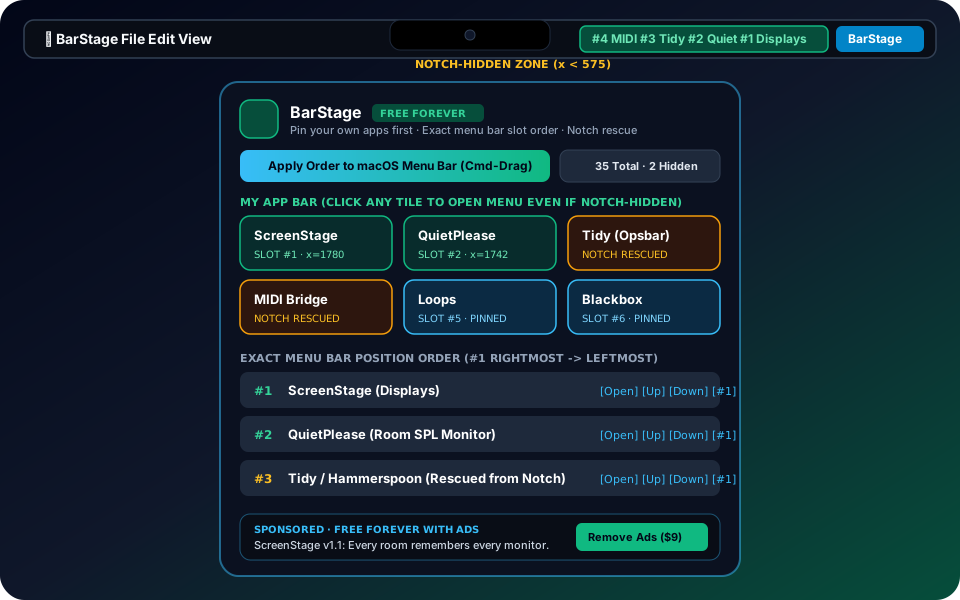
Designed for Real Classrooms, Tracking Rooms, and Production Workstations
Summon ClipStage over any full-screen app or terminal with Cmd+Shift+V or Cmd+Shift+C, filter instantly, and press Return or Cmd+1..9 to paste.
Automatically extracts text from copied images and Ambient F6 screenshots via on-device Apple Vision OCR and exposes a fast CLI (clipstage latest, clipstage screen).
Press Ctrl+Cmd+V to strip invisible Unicode watermarks, unwrap terminal hard-wraps, and automatically detect API keys or tokens before you paste.
Download & Use Free Forever. Pay Once to Remove Ads.
Every person can download and run the full version of ClipStage free forever (supported by a subtle studio sponsor strip and automatic update notifications). Want a 100% ad-free studio interface, or using our Classroom Educational Edition? Choose a one-time license below.
- ✓ Full ClipStage feature set unlocked forever
- ✓ Instant direct download with zero login or trial timer
- ✓ Automatic in-app update notifications when new versions ship
- ✓ Includes a compact Build Forward Tech / MusicMind sponsor banner
- ✓ Upgrade to Ad-Free in-app anytime with an
MM1-...key
- ✓ Removes all sponsor banners forever across 3 computers
- ✓ Signed native ClipStage.app (Cmd+Shift+V popup + Full Studio Window + CLI) for macOS 14+
- ✓ Automatic on-device Apple Vision OCR for every copied image and F6 screenshot
- ✓ 1-click Clean & Reflow (72-col line unwrapper, ASCII watermark scrubber, Markdown converter)
- ✓ FIFO Multi-Paste Queue (Ctrl+Opt+V) + F3 33Hz Space Latch for whisper dictation apps
- ✓ Offline Ed25519 MM1-... license key for up to 3 personal Macs
- ✓ Removes all sponsor banners across up to 25 lab/studio seats
- ✓ Removes sponsor banners across up to 25 studio, classroom, or engineering Macs
- ✓ Automatic API key and secret detection shield across shared workstations
- ✓ Full CLI integration (clipstage latest, clipstage ocr, clipstage screen) for AI agents
- ✓ Commercial & institutional receipt for department purchase orders
- ✓ Priority support from Build Forward Tech & MusicMind
Saw "Educational Edition (learn more)" in Your Classroom?
When ClipStage is deployed in college recording studios and media classrooms, the bottom of the interface is labeled Educational Edition (learn more). While regular pricing is $12 Personal (3 computers) and $99 Studio Pack (25 computers), enrolled students and educators qualify for a 50% Educational Discount ($6 one-time), and schools can inquire about department site licenses and Purchase Orders (POs).